ConvertPixel.cloud

Batch image workflow

Bulk WebP Converter for Faster Batch Image Optimization

Bulk WebP Converter helps you convert multiple JPG and PNG files into lighter WebP images in one streamlined workflow. ConvertPixel.cloud is a browser-based batch WebP converter built for speed, privacy, and cleaner image handling — with no uploads, local processing, and simple quality controls.

Whether you're managing a media library, product catalog, blog archive, or client project, this bulk image converter makes it easy to convert multiple images to WebP faster without the repetitive work of one-by-one exports.
Runs in your browserNo uploads requiredBatch convert fasterQuality controls includedPrivate by defaultFast downloads

Bulk WebP converter

Batch convert multiple images in one clean flow

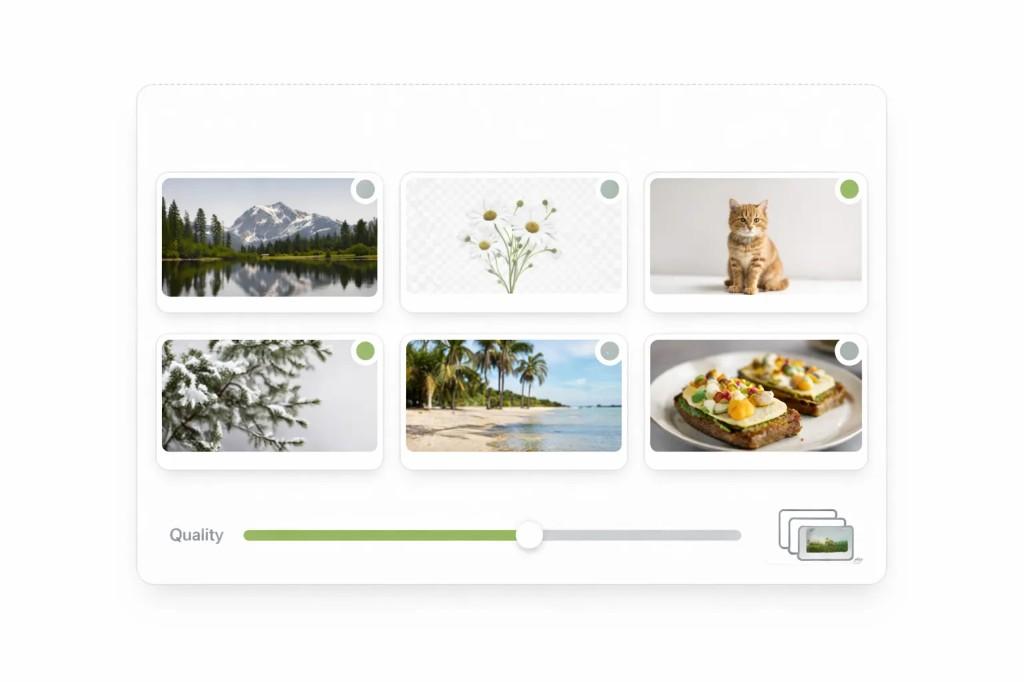
Upload multiple JPG and PNG files, apply one quality setting, and download converted WebP files with per-file status.

Quality
82%

Processing status

Add files to start conversion.

Files are processed locally in your browser.

Add multiple images to start batch conversion and download optimized files in one streamlined pass.

Bulk WebP converter interface showing a grid of image thumbnails, status indicators, quality slider, and batch controls

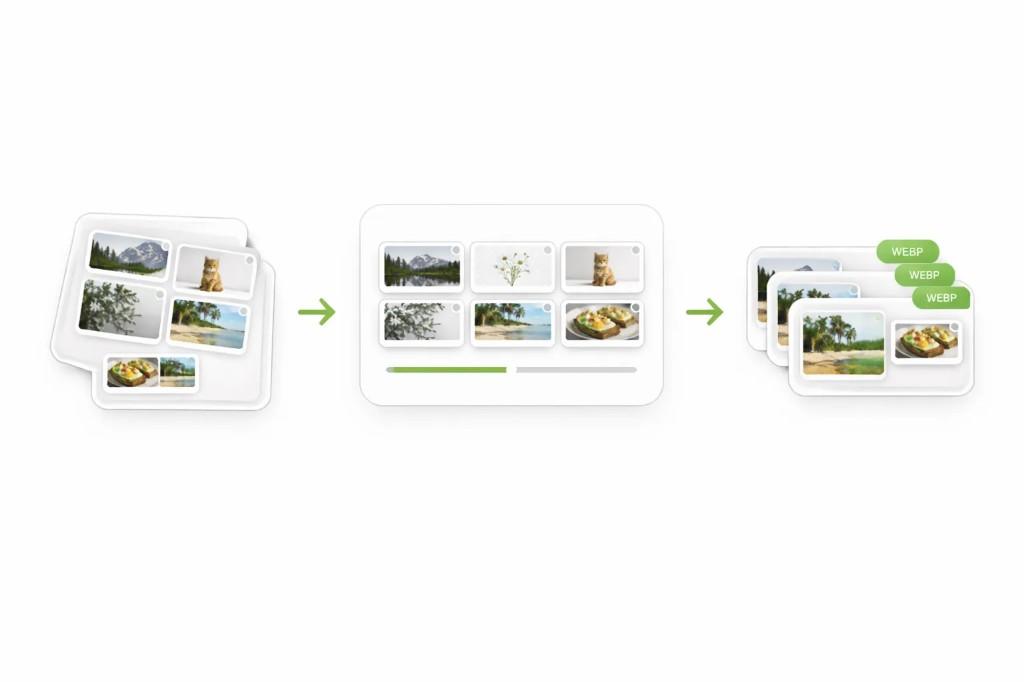
How to convert multiple images to WebP in seconds

Step 1

Upload your images

Drag and drop multiple JPG or PNG files at once, or select them from your device.

Step 2

Choose quality settings

Set the right balance between file size and image clarity.

Step 3

Download optimized WebP files

Preview results, then download your converted files quickly.

Bulk conversion workflow from multiple input images through processing to WebP output files

Why use a bulk WebP converter?

Converting images one at a time slows everything down — especially when you're working with large media libraries, ecommerce product catalogs, blog archives, or client assets. A batch WebP converter saves time by handling multiple files in one clean workflow.

Grid comparing batch image conversion results across many thumbnails and diverse image types
Batch preview

WebP is designed for efficient web delivery, which means smaller file sizes and faster page loading. When applied across many images, this improves performance, reduces bandwidth usage, and supports better Core Web Vitals.

For WordPress users, agencies, marketers, and SEO teams, bulk image optimization is one of the easiest wins for improving site speed.

Benefits

Convert many files in one workflow
Reduce image sizes at scale
Improve website speed faster
Save time on repetitive tasks
Simplify SEO image cleanup
Reduce manual export work

Best use cases for bulk WebP conversion

Product image libraries

Convert large product catalogs to WebP in one pass for faster storefront pages.

WordPress media cleanup

Optimize old JPG and PNG media archives with cleaner batch conversion flows.

Blog image optimization

Prepare article visuals in bulk to improve page speed and delivery quality.

Agency projects

Handle multiple client image sets without repetitive one-by-one conversion work.

Client deliverables

Deliver lighter, web-ready assets quickly when handing off large image bundles.

Migration workflows

Batch-convert media during CMS or platform migrations to modernize image format usage.

Why ConvertPixel.cloud's bulk WebP converter feels faster

Batch drag-and-drop upload

Add many files at once and manage them in one queue.

Browser-side processing

Your files stay on your device for speed and privacy.

Quality controls

Apply one global quality setting for clean, consistent output.

Multiple file support

Convert JPG and PNG files together in one workflow.

Private workflow

No uploads, account walls, or external file storage.

Fast downloads

Download optimized files quickly after conversion completes.

Frequently asked questions

Why batch WebP conversion helps website performance

Better image delivery

Lighter files improve how quickly images render across pages.

Lower bandwidth usage

Smaller assets reduce transfer size, especially at scale.

Faster workflows

Batch processing eliminates repetitive one-by-one conversion steps.

Practical SEO gains

Site-speed improvements from lighter images can support better SEO outcomes.

Convert multiple images to WebP the cleaner way

Batch convert JPG and PNG files into lighter WebP images with private browser-based processing, fast downloads, and smoother workflows.

No uploads. No clutter. Just a faster way to optimize images at scale.