ConvertPixel.cloud

Compatibility-first browser conversion

WebP to JPG Converter for Faster Sharing and Wider Compatibility

WebP to JPG conversion helps turn WebP files into widely supported JPG images that are easier to upload, edit, and share. ConvertPixel.cloud is a browser-based WebP to JPG converter that lets you convert WebP to JPG online in seconds — with no uploads, private local processing, and fast export.

Whether you need to convert WebP to JPEG for a CMS, design workflow, email attachment, or client handoff, this tool makes it simple to get clean JPG output with smooth compatibility across apps, devices, and websites.
Runs in your browserNo uploads requiredFast JPG exportPrivate by defaultWorks on mobileInstant preview

WebP to JPG converter

Convert WebP files for wider sharing compatibility

Upload WebP images, control JPG quality, preview output, and export quickly using a private browser-side workflow.

Quality
82%

Input file

No file selected

Output file

Awaiting file

Local browser processing only.

Select an image to activate conversion, preview output, and unlock secure instant download.

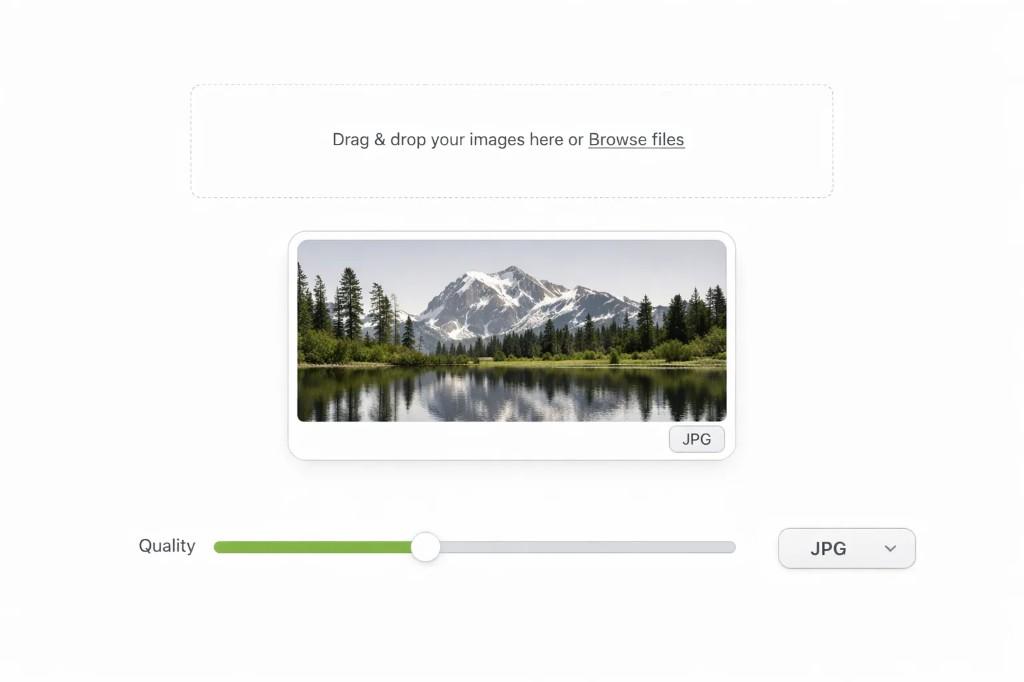
WebP to JPG converter interface with upload area, landscape preview, quality slider, and JPG format output

How to convert WebP to JPG in seconds

Step 1

Upload your WebP file

Drag and drop your WebP image or choose it directly from your device.

Step 2

Choose output settings

Adjust quality settings if needed to match your preferred file size and image clarity.

Step 3

Download your JPG

Preview the converted file and save a valid JPG image instantly.

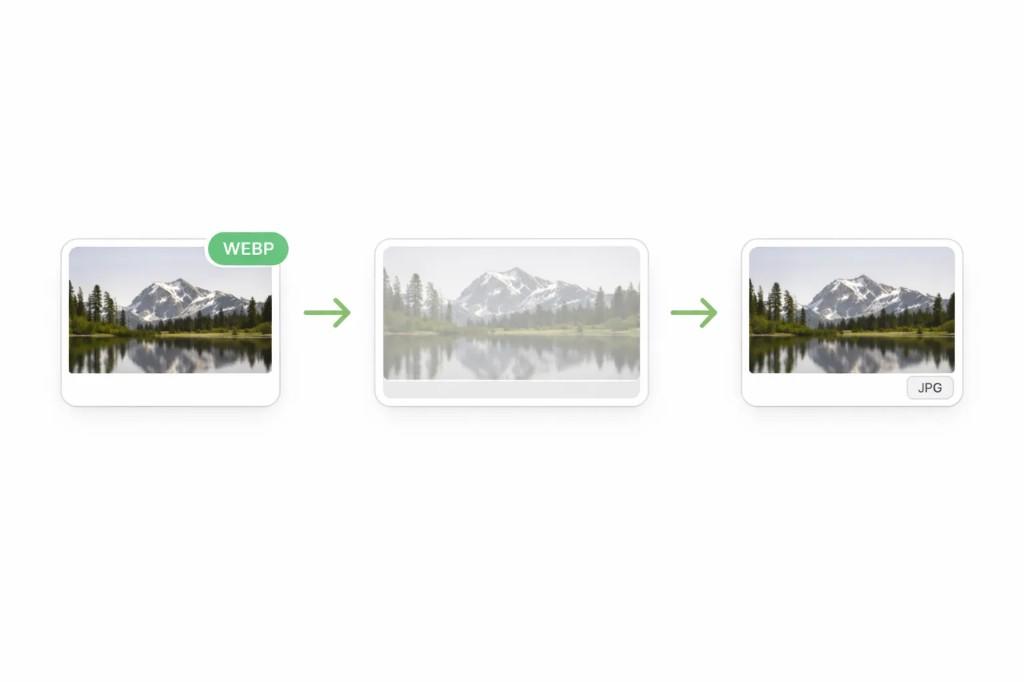
Workflow from WebP source through processing to JPG output

Why convert WebP to JPG?

WebP is efficient for web delivery, but JPG is still one of the most widely supported image formats across software, devices, content systems, and sharing tools. If you need broader compatibility, converting a WebP file to JPG is often the simplest solution.

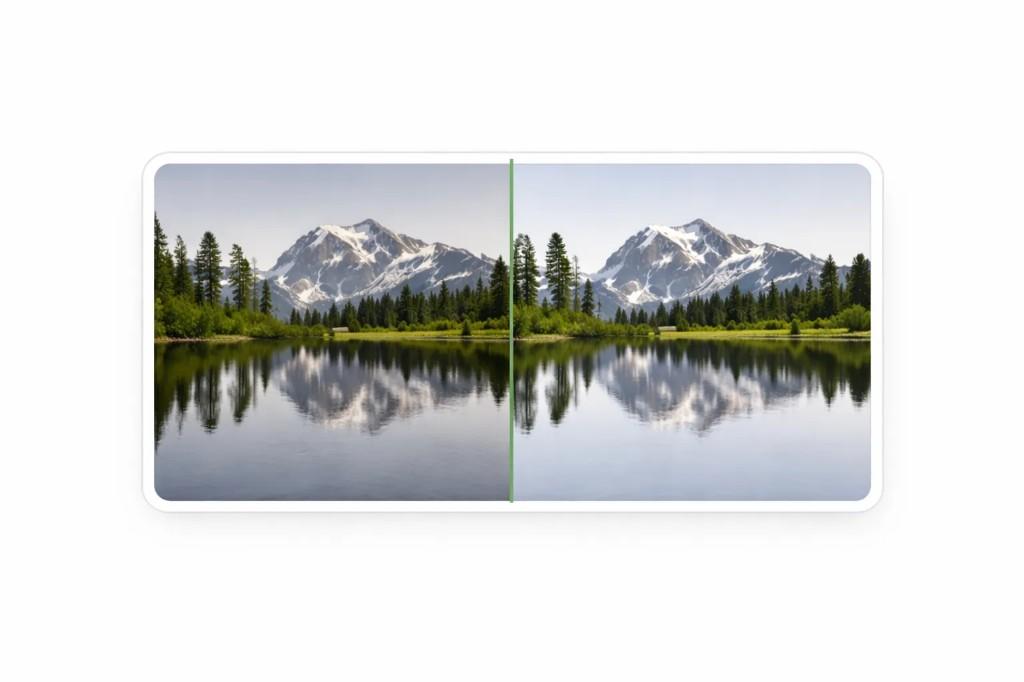
Before and after comparison illustrating WebP to JPG conversion quality
Before · after

JPG files are easier to use in older apps, email attachments, CMS editors, social uploads, and client workflows where WebP support may be limited. Converting WebP to JPG also helps reduce image editing issues when working across different platforms or handing files off to others.

Benefits

Wider compatibility across apps and devices
Easier uploads to CMS and editors
Simpler email and client sharing
Smoother design workflows
Better support for older software
More flexible image handoffs

Best use cases for WebP to JPG

Blog uploads

Convert WebP images into JPG for easier publishing in CMS workflows.

CMS editors

Use JPG for platforms, plugins, or themes with limited WebP support.

Social media uploads

Prepare images for easier sharing across channels and devices.

Design handoffs

Share files with clients or teams who prefer JPG compatibility.

Ecommerce image edits

Use JPG for product image edits, exports, and vendor systems.

Client sharing

Send universally supported files without format issues.

Why ConvertPixel.cloud's WebP to JPG converter feels smoother

Browser-side processing

Your files are converted locally for speed and privacy.

Drag-and-drop upload

Simple, clean upload flow without unnecessary steps.

Fast JPG export

Get usable JPG files quickly for sharing and publishing.

Quality controls

Adjust output settings to balance clarity and file size.

Instant preview

Check the result before downloading.

Private workflow

No uploads, no account walls, and no clutter.

Frequently asked questions

WebP vs JPG: when should you use each?

Quality

Both formats can deliver strong visual results, depending on settings.

File size

WebP is often smaller for web delivery and speed-focused use.

Compatibility

JPG is more universally supported across tools and older systems.

Editing

JPG is often easier to work with in legacy software and shared workflows.

Convert WebP to JPG the cleaner way

Turn WebP files into widely supported JPG images with private browser-based processing, smooth compatibility, and fast results.

No uploads. No clutter. Just a cleaner way to convert images.