ConvertPixel.cloud

Private browser compression

Compress JPG Online for Smaller, Faster Website Images

Compress JPG images online with a clean browser-based workflow that reduces file size without making your images look unnecessarily soft. ConvertPixel.cloud is a premium JPG compressor online built for faster websites, lighter uploads, and smoother publishing — with no uploads, private local processing, and adjustable quality controls.

Whether you need to compress JPG online for blog posts, product images, landing pages, or media libraries, this tool helps reduce JPG size quickly while keeping visual quality balanced for real-world web use.
Runs in your browserNo uploads requiredAdjustable qualityFast JPG downloadPrivate by defaultMobile friendly

JPG compressor

Compress JPG files with live quality and size feedback

Upload one JPG, adjust compression level, preview before/after output, and download a lighter image quickly.

Quality
78%

Input file

No file selected

Output file

Awaiting file

Local browser processing only.

Select an image to activate conversion, preview output, and unlock secure instant download.

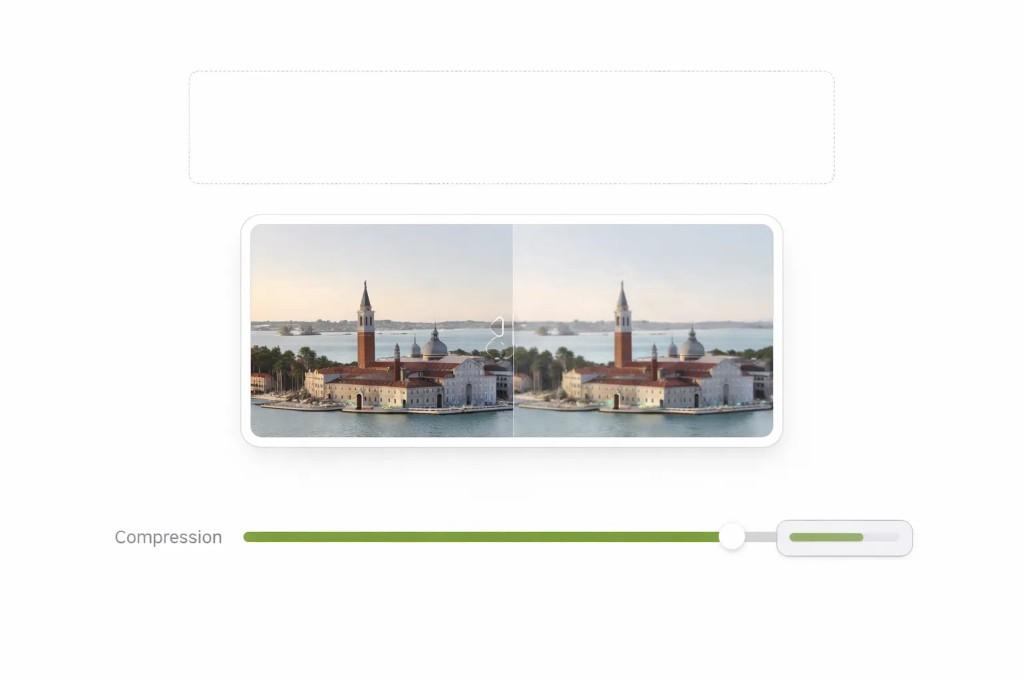
JPG compressor interface with upload area, before and after preview, and compression slider

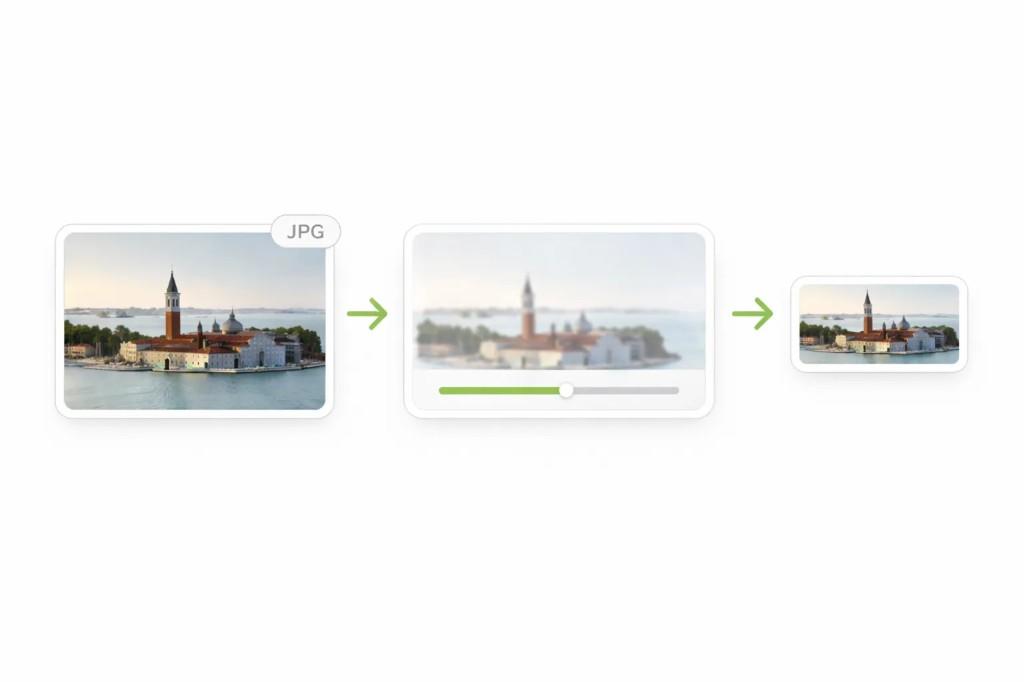
How to compress JPG images in seconds

Step 1

Upload your JPG or JPEG

Drag and drop your image or choose a file directly from your device.

Step 2

Adjust compression level

Use the quality slider to find the right balance.

Step 3

Download the smaller JPG

Preview the result, then save the optimized image instantly.

Workflow from original JPG through compression controls to a smaller optimized JPG file

Why compress JPG images?

Large JPG files are one of the most common reasons websites feel slow. Heavy featured images, product photos, and media uploads can increase load times and hurt performance.

Before and after comparison showing original and compressed JPG image quality
Before · after

Compressing JPG images helps reduce file size so pages load faster while keeping image quality visually balanced. That matters for user experience, bandwidth savings, and SEO.

For WordPress users, ecommerce stores, and content-heavy sites, smaller JPG files also make uploads smoother and improve Core Web Vitals.

Benefits

Smaller image files for faster delivery
Faster loading across devices
Better mobile user experience
Lower bandwidth usage
More efficient WordPress uploads
Practical SEO support

Best use cases for JPG compression

Blog featured images

Compress header and post images so content pages feel faster.

Product photos

Reduce heavy ecommerce images without over-softening details.

Landing pages

Make conversion-focused pages lighter and faster to load.

Email assets

Prepare smaller visuals for smoother email delivery and previews.

WordPress uploads

Speed up media library workflows with lighter upload sizes.

Existing media libraries

Clean up old JPG archives for better overall site performance.

Why ConvertPixel.cloud's JPG compressor feels cleaner

Browser-side compression

Images are compressed locally for speed and privacy.

Drag-and-drop upload

Quick file upload flow without unnecessary steps.

Quality slider

Control compression level to match your image goals.

Instant preview

Compare results before downloading.

Private workflow

No uploads, account walls, or external storage.

Mobile friendly

Use the compressor across modern mobile and desktop browsers.

Frequently asked questions

JPG compression and website speed

File size

Smaller JPG files reduce page weight.

Speed

Lighter images load faster.

Core Web Vitals

Optimized images improve performance metrics.

SEO gains

Better speed improves user experience and rankings.

Compress JPG the cleaner way

Reduce JPG file sizes with private browser-based compression, quality controls, and fast results.

No uploads. No clutter. Just a cleaner way to optimize images for the web.