ConvertPixel.cloud

Private browser conversion

JPEG to WebP Converter for Faster, Lighter Website Images

JPEG to WebP conversion helps turn heavier JPEG images into lighter WebP files that load faster while keeping strong visual quality. ConvertPixel.cloud is a browser-based JPEG to WebP converter that lets you convert JPEG to WebP online with private local processing, no uploads, and simple quality controls.

Whether you're optimizing blog images, product photos, or media library uploads, this image to WebP converter gives you a clean way to reduce file size, speed up pages, and prepare images for modern web delivery without unnecessary friction.
Runs in your browserNo uploads requiredQuality control includedFast WebP downloadPrivate by defaultMobile friendly

JPEG to WebP converter

Convert JPEG to WebP with cleaner output control

Upload a JPEG, tune quality, preview result, and export a lighter WebP file in one private browser-based flow.

Quality
82%

Input file

No file selected

Output file

Awaiting file

Local browser processing only.

Select an image to activate conversion, preview output, and unlock secure instant download.

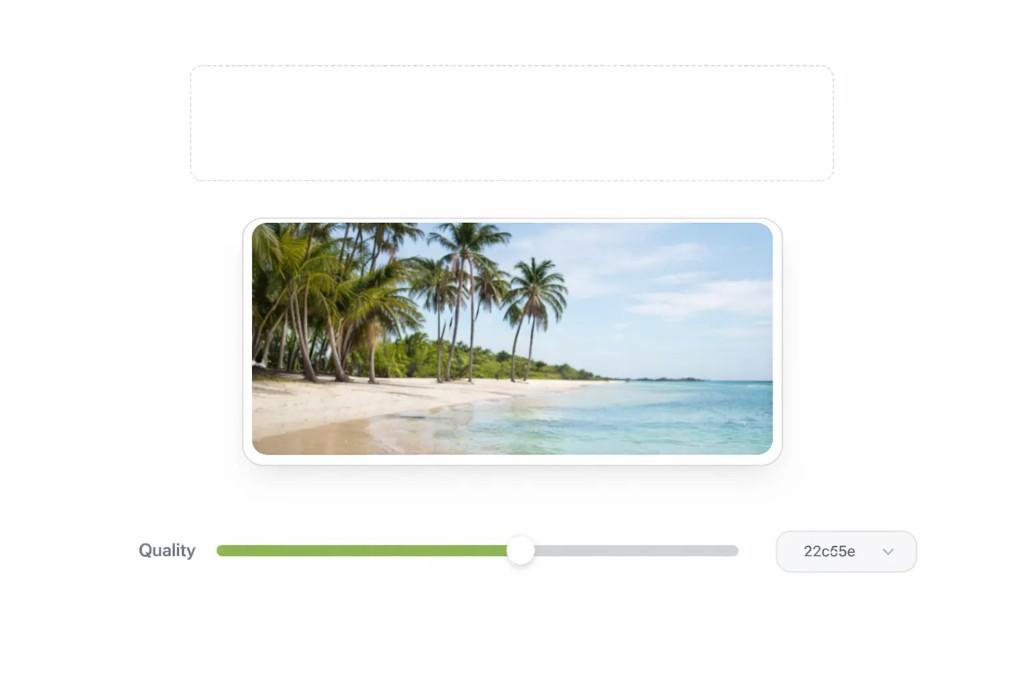
JPEG to WebP converter interface with upload area, beach photo preview, and quality slider

How to convert JPEG to WebP in seconds

Step 1

Upload your JPEG image

Drag and drop your JPEG file or choose it directly from your device.

Step 2

Choose quality settings

Adjust the quality slider to balance file size and image sharpness.

Step 3

Download your WebP file

Preview the result and save a valid WebP image instantly.

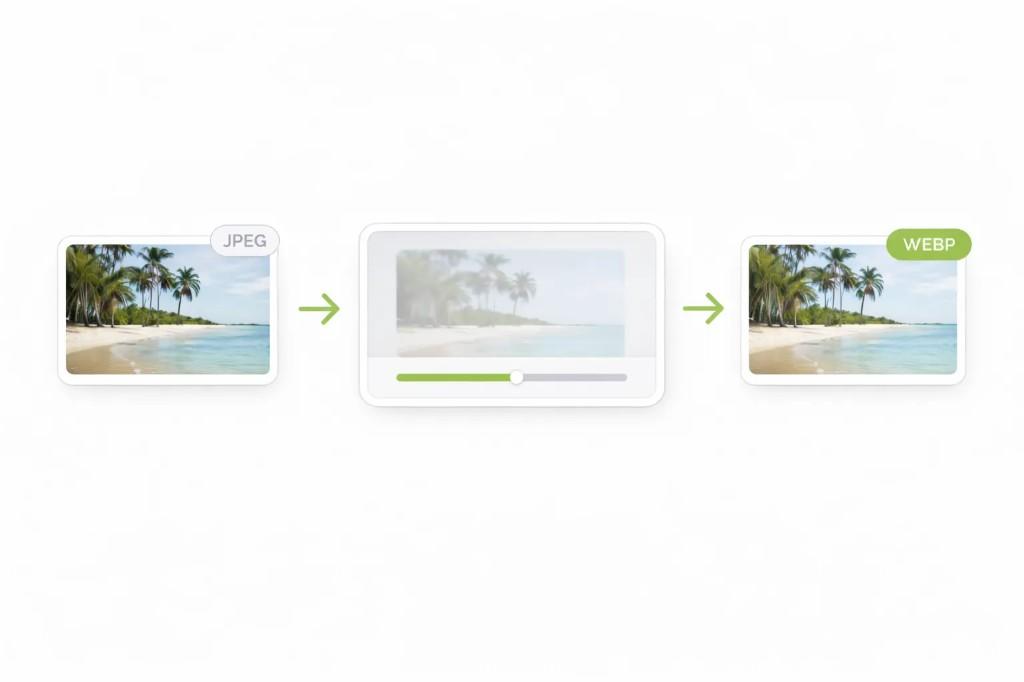
Workflow from JPEG source through processing to WebP output

Why convert JPEG to WebP?

JPEG is widely used, but large image files can slow down websites, especially on mobile connections. WebP is designed to deliver smaller file sizes in many common web use cases while still keeping strong visual quality.

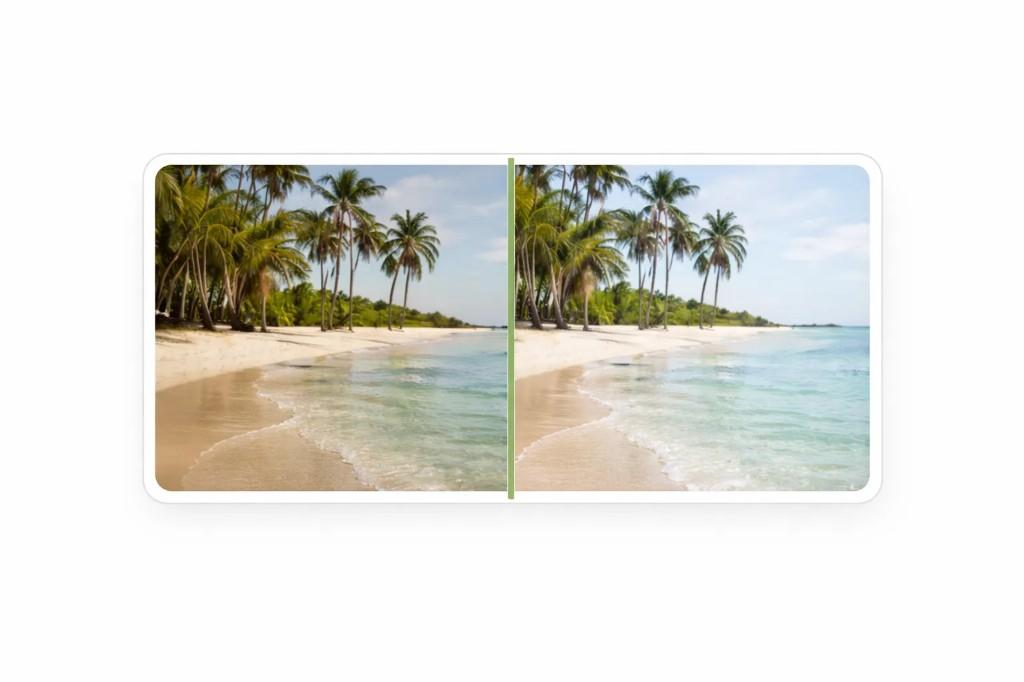
Before and after comparison showing JPEG and WebP conversion with preserved visual quality
Before · after

That makes WebP a practical choice for bloggers, ecommerce stores, WordPress users, and SEO teams who want faster website images without unnecessary visual compromise. Converting JPEG to WebP can help reduce image size, improve load speed, and support better Core Web Vitals over time.

For media-heavy sites, even small savings per image can add up across posts, landing pages, and product collections.

Benefits

Smaller files for faster pages
Better loading on mobile networks
Cleaner image delivery
Lower bandwidth usage
More efficient WordPress uploads
Practical SEO support

Best use cases for JPEG to WebP

Blog images

Make article visuals lighter for smoother content pages.

Featured images

Reduce large header images before publishing.

Ecommerce product photos

Improve product page speed without unnecessary quality loss.

Landing pages

Use lighter images to support faster conversion-focused pages.

SEO workflows

Clean up image assets for better performance.

WordPress media library

Prepare more efficient uploads and replacements.

Why ConvertPixel.cloud's JPEG to WebP converter feels faster

Browser-side processing

Your files are processed locally for faster, private conversion.

Drag-and-drop upload

Simple file handling with a clean, quick upload flow.

Quality slider

Fine-tune output to balance compression and visual quality.

Instant preview

Check converted output before downloading.

Private workflow

No uploads, no accounts, and no unnecessary storage.

Mobile friendly

Convert images smoothly on desktop and mobile browsers.

Frequently asked questions

JPEG vs WebP for websites

File size

WebP usually produces smaller files than JPEG.

Speed

Smaller WebP images help pages load faster.

Browser support

WebP works across modern browsers.

Quality

WebP often gives better compression vs clarity balance.

Convert JPEG to WebP the cleaner way

Turn heavy JPEG files into lighter WebP images with private browser-based processing, built-in quality control, and fast results.

No uploads. No clutter. Just a faster way to optimize images for the web.