ConvertPixel.cloud

Private browser resizing

Resize Image Online for Cleaner Layouts and Faster Pages

Resize Image Online with a clean browser-based workflow that helps you set the right dimensions without unnecessary quality loss. ConvertPixel.cloud is a premium image resizer built for faster uploads, sharper layouts, and smoother publishing — with no uploads, private local processing, and full control over width and height.

Whether you need to resize a photo online for a blog post, product page, social graphic, or WordPress upload, this browser image resizer makes it easy to change image dimensions online while keeping visuals balanced and web-ready.
Runs in your browserNo uploads requiredKeep image qualityCustom dimensionsPrivate by defaultFast download

Image resizer

Resize images with precise dimensions and live feedback

Set custom width and height, keep aspect ratio when needed, and download right-sized output files.

Input file

No file selected

Output file

Awaiting file

Local browser processing only.

Select an image to activate conversion, preview output, and unlock secure instant download.

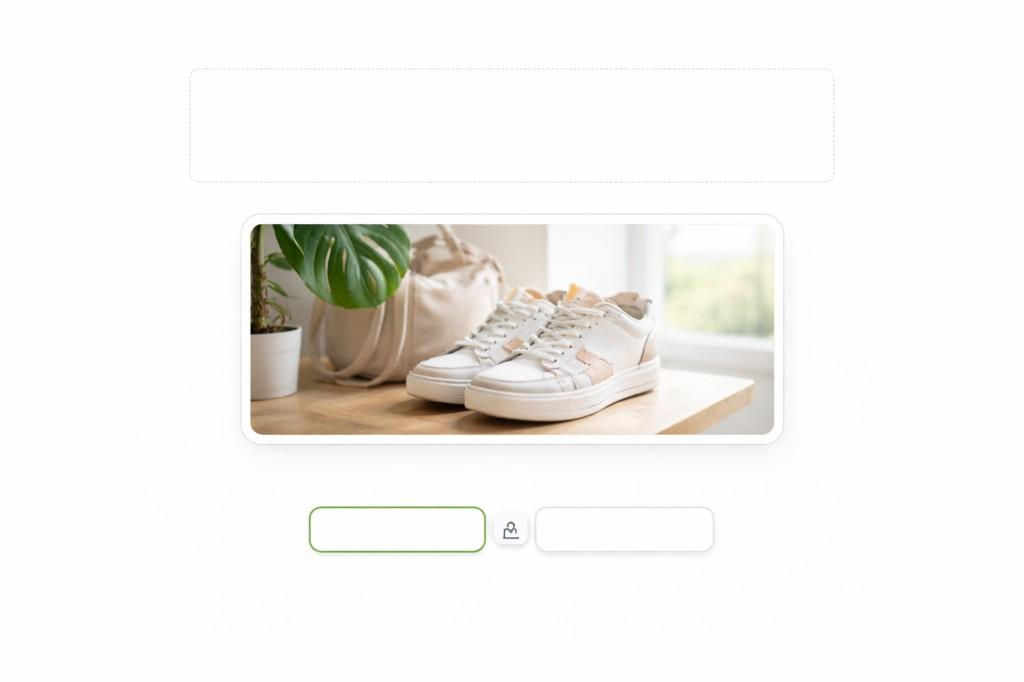
Image resizer interface with upload area, preview, and width and height controls with aspect ratio lock

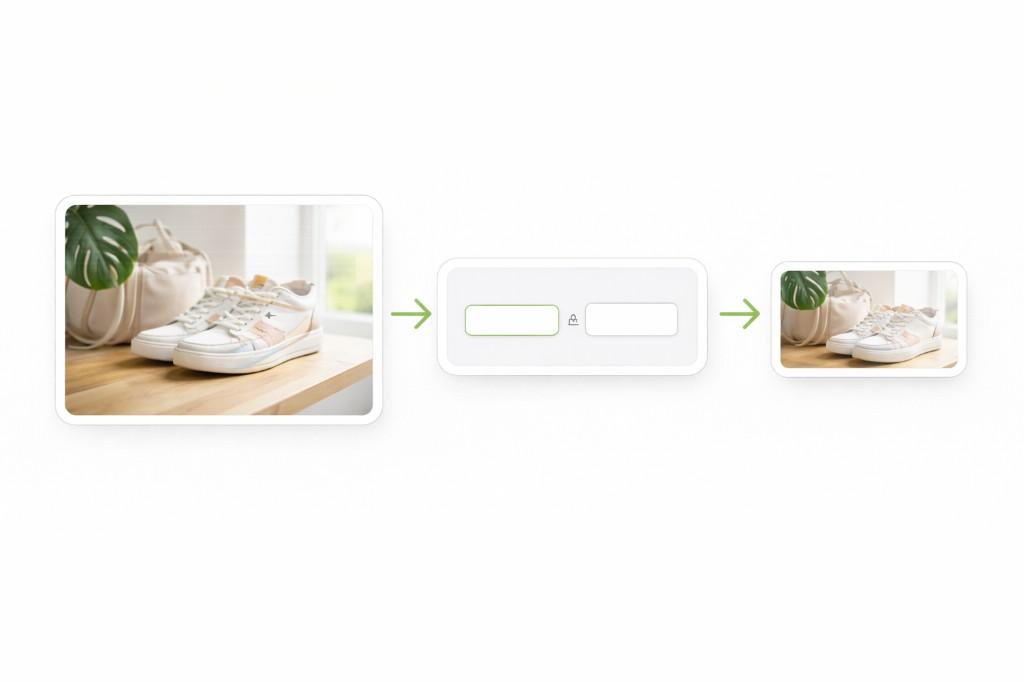
How to resize images in seconds

Step 1

Upload your image

Drag and drop a JPG, PNG, or WebP file.

Step 2

Set your dimensions

Enter width and height or lock aspect ratio.

Step 3

Download the resized image

Preview and save instantly.

Workflow from original image through dimension controls to a smaller resized output

Why resize images before uploading?

Uploading images at the wrong dimensions creates unnecessary file weight, slows page loading, and can make layouts inconsistent.

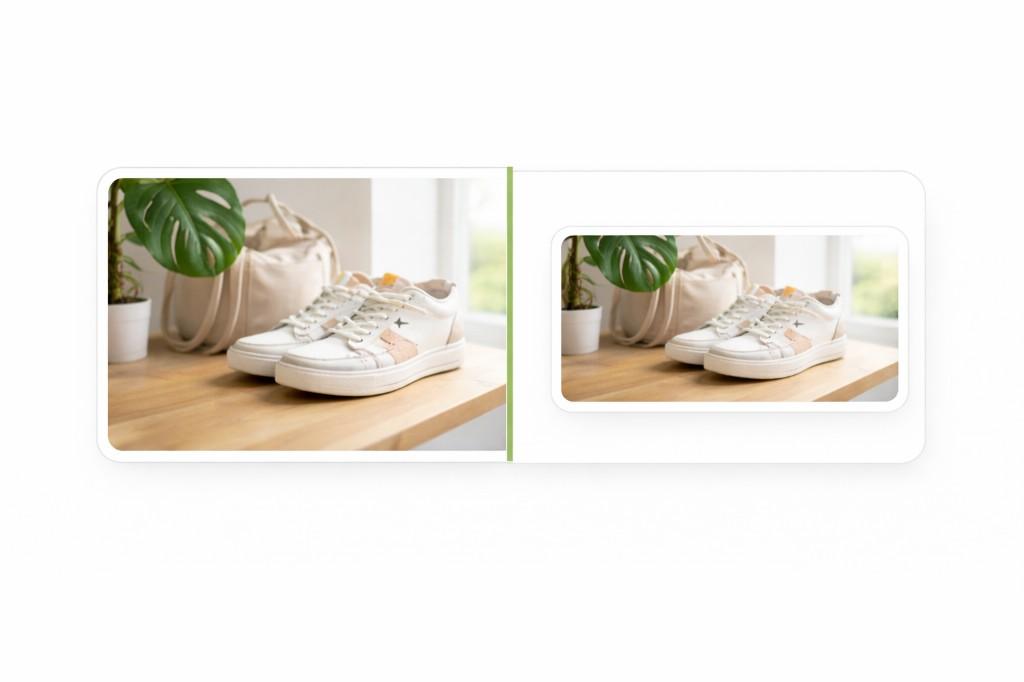
Comparison of original full-size image and proportionally resized result
Before · after

Resizing images before publishing helps match exact layout requirements while reducing file size. This improves website speed, mobile usability, and SEO.

For WordPress users, ecommerce stores, and content teams, resizing images is one of the easiest ways to improve both performance and design quality.

Benefits

Better fit for layouts
Faster loading across devices
Cleaner page structure
Better mobile experience
More efficient uploads
Practical SEO support

Best use cases for image resizing

Blog featured images

Match exact article layouts without oversized uploads.

Ecommerce product photos

Standardize product image dimensions for cleaner grids.

Thumbnails

Create lightweight preview images for listings and cards.

Social posts

Resize visuals to platform-friendly dimensions quickly.

Email graphics

Prepare compact graphics that load smoothly in email clients.

WordPress uploads

Use right-sized files to keep media workflows efficient.

Why ConvertPixel.cloud's image resizer feels cleaner

Browser-side resizing

Dimensions are processed locally for privacy and speed.

Drag-and-drop upload

Simple upload flow without setup friction.

Custom width and height

Set exact pixel dimensions for your target layout.

Aspect ratio lock

Keep proportions consistent while editing dimensions.

Instant preview

See resize impact before downloading.

Private workflow

No uploads or account barriers.

Frequently asked questions

Why image dimensions matter for website speed

File weight

Oversized images increase page size.

Rendering

Right-sized images load faster.

Layout shift

Proper sizing prevents CLS issues.

SEO gains

Better performance improves UX signals.

Resize images the cleaner way

Set better image dimensions with private browser-based resizing, fast downloads, and cleaner results.

No uploads. No clutter. Just a faster way to prepare images for the web.